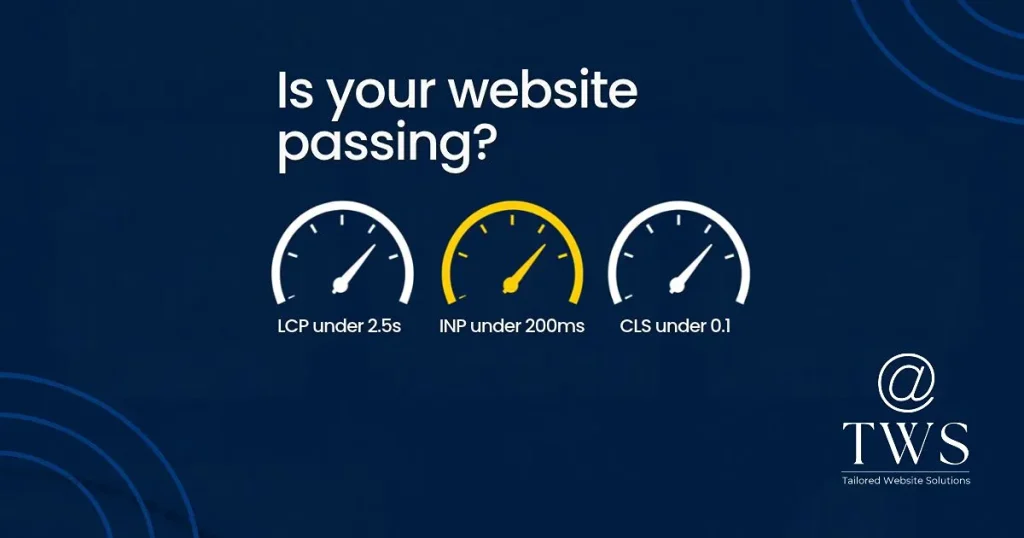
Google's Core Web Vitals measure how a page feels to a real person. In May 2026, only about 56% of tracked websites passed all three. The metric most sites miss is INP, and it is the one most business owners have never heard of.
| Metric | What it measures | Good score |
|---|---|---|
| LCP (Largest Contentful Paint) | How fast the main content appears | Under 2.5 seconds |
| INP (Interaction to Next Paint) | How quickly the page responds to taps, clicks and key presses | Under 200 milliseconds |
| CLS (Cumulative Layout Shift) | How much the layout jumps while loading | Under 0.1 |
The thresholds have been stable. Despite what some articles claim, Google has not tightened them or added a fourth metric.
INP replaced the older First Input Delay metric in March 2024. FID only measured the first interaction. INP watches every tap, click and keypress during a visit, and reports close to the slowest one. A page that responds quickly the first time but stutters when someone opens the menu or adds to cart now scores badly.
In practice, poor INP feels like tapping a button and nothing happening for a moment. Visitors tap again, get frustrated and leave.
Yes, but modestly. Google treats them as part of a wider page experience picture and a secondary signal. When two pages are otherwise equal, the better experience can edge ahead. The stronger effect is on conversions: slow, laggy pages lose enquiries and sales regardless of where they rank.
INP is mostly a JavaScript problem. When the browser is busy running scripts, it cannot respond to a tap. On WordPress sites the usual causes are:
1. Measure first. Run your key pages (home, contact, top service or product page) through PageSpeed Insights and check the Core Web Vitals section, which uses real visitor data. In Chrome DevTools, the Performance panel's Interactions track shows which interaction is slowest.
2. Remove what you do not use. Every inactive feature and plugin is a cost. Audit your plugins and delete the ones doing nothing.
3. Load scripts only where needed. A contact form script should load on the contact page, not the entire site. Many plugins let you disable assets per page, or you can do it with a performance plugin or custom code.
4. Delay third-party scripts. Load chat widgets and tracking after the first user interaction, or after the page has settled.
5. Fix LCP. Compress and correctly size the hero image, serve modern formats such as WebP, and do not lazy-load the image at the top of the page.
6. Fix CLS. Set width and height on images and embeds, and reserve space for banners and ads. Use font-display settings so text does not jump when web fonts load.
7. Check the server. If Time to First Byte is slow, no front-end fix will fully compensate. Good hosting, server-side caching and a CDN come first.
Your laptop is not your customer's device. Test on a mid-range Android phone on mobile data. That is where INP problems show up.
Core Web Vitals are not a one-off job. Every new plugin, banner or tracking tag can undo your work. Check the Core Web Vitals report in Search Console monthly, and retest after any significant change.
What is a good INP score? Under 200 milliseconds. Between 200 and 500 needs improvement, and over 500 is poor.
Did FID disappear? Yes. INP replaced it on 12 March 2024.
Will fixing Core Web Vitals boost my rankings? It can help, mainly as a tie-breaker. The reliable gain is better conversion from the traffic you already have.
Can you test my site? Yes. Contact Tailored Website Solutions and we will tell you exactly what is slowing it down.
Tell me what you need and I will come back within one business day with a clear plan and a fixed price.